Deskripsi Lengkap
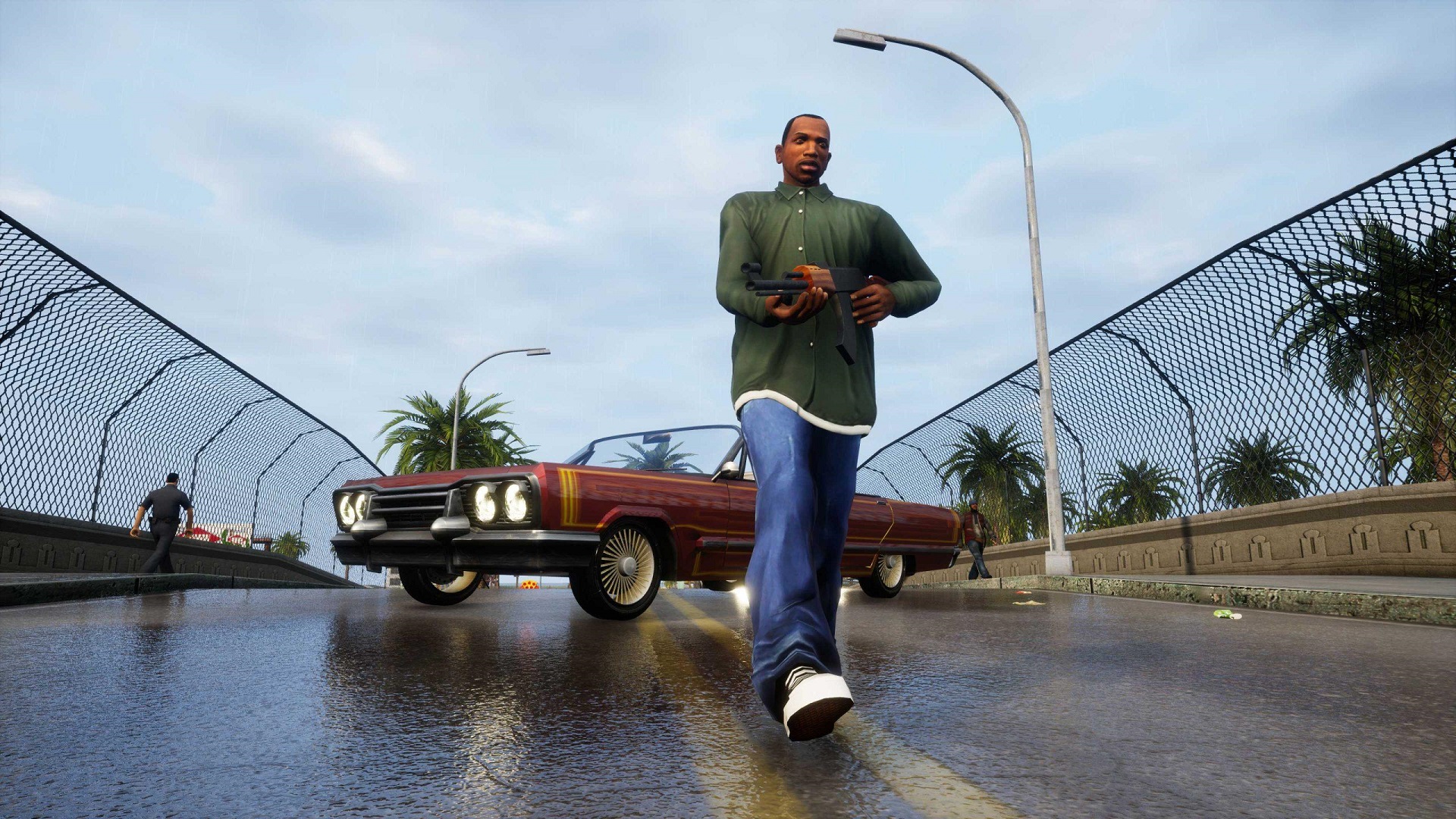
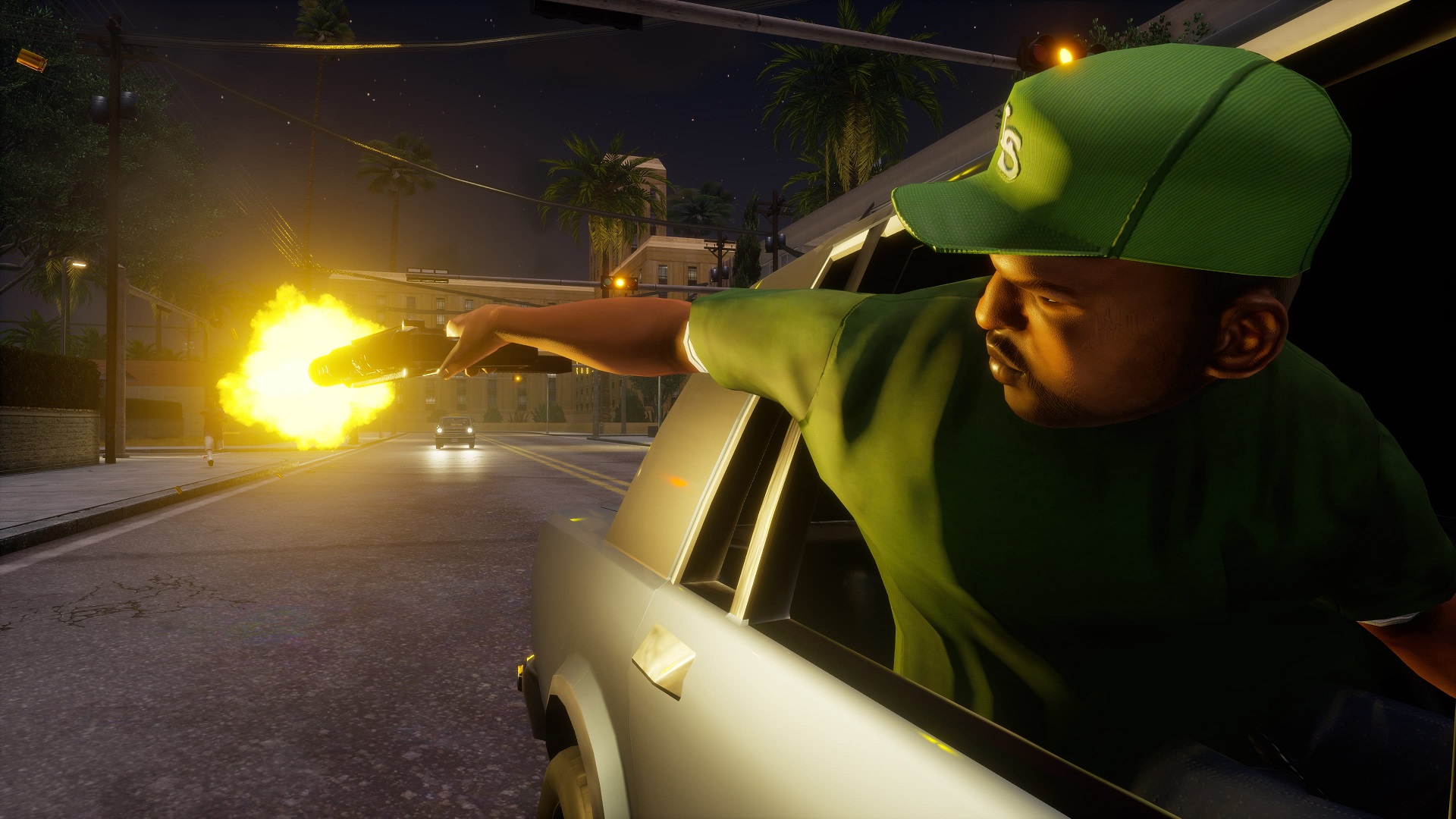
Mainkan game klasik yang mendefinisikan genre dari trilogi Grand Theft Auto asli: Grand Theft Auto III, Grand Theft Auto: Vice City, dan Grand Theft Auto: San Andreas yang diperbarui untuk generasi baru, kini dengan peningkatan menyeluruh termasuk pencahayaan baru yang brilian dan peningkatan lingkungan, dengan tekstur resolusi tinggi, jarak pandang yang lebih jauh, kontrol dan penargetan ala Grand Theft Auto V, dan masih banyak lagi, menghidupkan dunia-dunia tercinta ini dengan tingkat detail yang sepenuhnya baru.
System Requirement
Minimum:
• Sistem Operasi: Windows 10 64-Bit
• Prosesor: Intel Core i5-6600K/AMD FX-6300
• Memori: 8GB
• Grafis: Nvidia GeForce GTX 760 2GB/AMD Radeon R9 280 3GB
• Disk: 45GB
Direkomendasikan:
• Sistem Operasi: Windows 10 64-Bit
• Prosesor: Intel Core i7-2700K/AMD Ryzen 5 2600
• Memori: 16GB
• Grafis: Nvidia GeForce GTX 970 4GB/AMD Radeon RX 570 4GB
• Disk: 45GB
Install Note
1. Extract
2. Burn or mount the .iso
3. Run setup.exe and install
4. Copy crack from CODEX dir to installdir
5. Play
Full List of Supported Languages:
English, French, Italian, German, Spanish, Spanish (Mexico), Russian, Portuguese-Brazil, Polish, Japanese, Korean, Simplified Chinese, Traditional Chinese
NOTES: The game is updated to v1.14718.
RegFix Notes:
Our installer adds admin rights to start the exe, which breaks keyboard and gamepad controls in the games. You can run our fix or manually remove admin rights.
Place the gta_reg_fix.exe in same folder as the game .exe and run it. Or you can manually remove the \”run as admin\” flag from the .exe by opening the file properties, uncheck run as admin in the compatibility tab and hit apply.
General Notes:
• Block the game’s exe in your firewall to prevent the game from trying to go online ..
• If you install games to your systemdrive, it may be necessary to run this game with admin privileges instead







Belum ada komentar. Jadilah yang pertama!